
Chromebooks vs Refurbished Windows Laptops: 2026 Buyer's Guide | Discount Computer Depot
Chromebooks Are More Capable Than You Think—Especially When RAM Prices Hit $550
Chrome OS has matured dramatically since its early days as a glorified browser. With DDR5 memory prices up 478% and new Windows laptops carrying steep RAM premiums, Chromebooks and quality refurbished Windows systems are both worth a serious look from IT buyers and budget-conscious organizations in 2026.
Laptop Market Snapshot
The laptop market in 2026 looks fundamentally different than it did two years ago. DDR5 memory prices have surged 478% since mid-2025—peaking at $550-$600 per 32GB kit by Q2 2026—adding $150-$400 in component costs to new Windows systems before manufacturers even apply margins. For IT buyers, school technology coordinators, and business owners watching budgets tighten, two paths have emerged as genuinely smart alternatives to peak-priced new equipment: Chromebooks and quality refurbished Windows laptops.
Chromebooks are cloud-native laptops running Google's Chrome OS—purpose-built for Google Workspace, web applications, and Android apps with 10-12 hour battery life and acquisition costs starting at $299. For organizations whose workflows don't require Windows-exclusive software, they offer compelling value during the 2026 RAM shortage. Where Chrome OS falls short, professionally refurbished Windows laptops from Discount Computer Depot deliver full Windows 11 capability at comparable pricing—without exposure to current DDR5 memory market volatility.
Proving the platform's real-world viability for cloud-centric workflows
Why Chromebooks Actually Work in 2026
Chrome OS has quietly solved most of the complaints that plagued it in its early years. The platform now runs Android apps natively through the Google Play Store, supports Linux development environments via the Crostini container layer, and handles Microsoft 365 through both the full web app experience and native Android application versions.
What can you actually get done on a Chromebook? For the majority of knowledge worker tasks—email, documents, spreadsheets, video calls, and web-based tools—a modern Chrome OS device handles the workload without friction.
Notably, Google's AI integration through Gemini on Chromebook Plus models adds on-device AI capabilities for writing assistance, image generation, and video conferencing enhancements—features previously requiring higher-spec Windows hardware. Organizations also managing Windows 11 upgrade timelines may find Chrome OS's automatic update model, which requires zero IT involvement, addresses a significant administrative burden.
Offline capability has improved substantially. Google Docs, Sheets, and Slides sync locally for offline editing. Gmail caches recent messages. These devices now handle productivity gaps that previously required a constant internet connection, addressing one of the most common objections from enterprise buyers evaluating the platform.
The Google Workspace Advantage
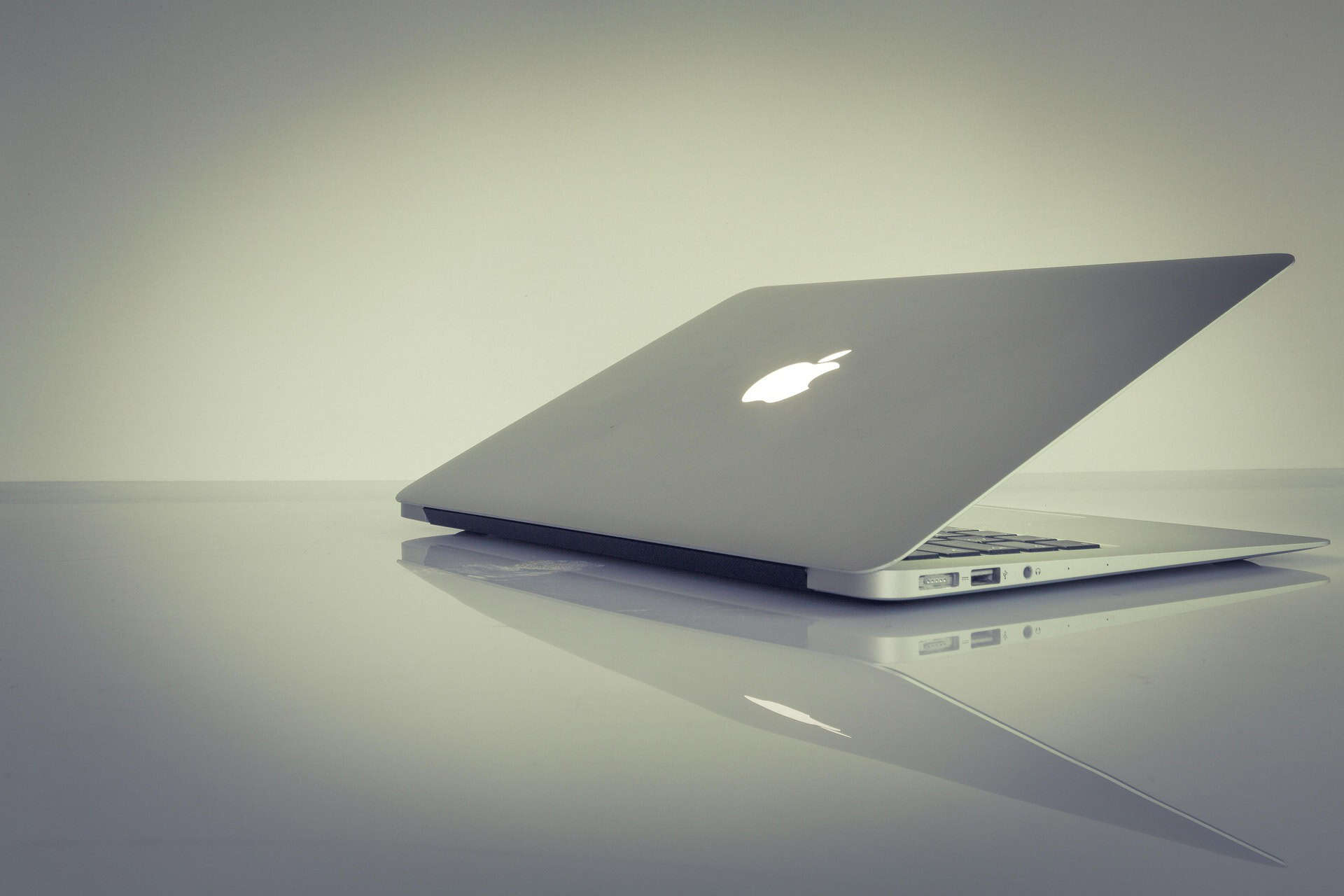
Companies already standardized on Google Workspace—including Gmail, Drive, Meet, and Docs—experience almost zero friction transitioning to Chrome OS devices. The browser-native workflow eliminates software installation overhead and dramatically simplifies IT management through Google Admin Console, with policy deployment, app management, and device monitoring handled centrally without endpoint agents.
Acer, HP, and Lenovo each produce enterprise-class Chromebooks—including the Acer Chromebook Enterprise Spin 714, HP Chromebook Elite c1030, and Lenovo ThinkPad C14 Chromebook—with 4G LTE options, MIL-SPEC durability ratings, and Google Admin Console management, bringing Chrome OS credibility to enterprise procurement conversations alongside Windows alternatives.
Platform
Are Chromebooks Right for Your Organization?
Before recommending Chromebooks to any organization, IT advisors should work through an honest capability audit. The platform has genuine strengths and genuine gaps.
Where Chromebooks Excel
- Google Workspace and web-based SaaS workflows
- Education environments with centralized device management
- Remote workers whose entire stack runs in a browser
- High-volume deployments with simplified imaging
- Teams prioritizing endpoint security through sandboxing
- Budget environments where $299-$499 per unit matters
- Call centers, frontline workers, and task-specific terminals
- Rapid provisioning with zero-touch enrollment via Google Admin
Where Chromebooks Fall Short
- Local Adobe Creative Suite, AutoCAD, or engineering apps
- Specialized vertical software without web versions (accounting, legal, healthcare EMR)
- Legacy Windows-only enterprise applications
- Heavy local data processing and GPU-accelerated workloads
- On-premise domain environments requiring Windows domain join
- Microsoft Teams desktop features requiring full Windows client
- Development environments needing full Windows or macOS toolchains
- Companies with existing Windows-dependent IT infrastructure
The AUE Deadline Risk
Important context for Windows app compatibility: Parallels Desktop for Chrome OS reached end-of-life in April 2026, eliminating local Windows virtualization. Organizations needing full Windows applications can use Microsoft's Windows 365 cloud streaming, though this adds per-user subscription costs.
Chromebook buyers must also verify the Auto Update Expiration (AUE) date before purchase. Google commits to security updates for a defined period—typically 8 years from launch—after which devices stop receiving Chrome OS updates and become security liabilities. Used or older Chromebook models may have AUE dates approaching within 12-18 months, making them poor investments despite low initial pricing. Always verify the AUE date on Google's published support schedule before committing.
Why Choose Refurbished Windows Laptops Over New Equipment in 2026?
For IT teams that need Windows but want to avoid 2026 DDR5 pricing peaks, Discount Computer Depot sources certified refurbished Dell Latitude, HP EliteBook, and Lenovo ThinkPad business laptops—enterprise-grade systems that circumvent RAM shortage premiums while maintaining full Windows 11 and Microsoft 365 compatibility. A professionally refurbished Dell Latitude, HP EliteBook, or Lenovo ThinkPad with 16GB DDR4 RAM installed typically costs $350-$500—virtually identical to mid-range Chromebook pricing—while delivering full Windows 11 compatibility, enterprise security features, and complete software compatibility.
These aren't consumer hand-me-downs. Enterprise business laptops from Dell, HP, and Lenovo were engineered for demanding commercial environments: MIL-SPEC construction, Intel vPro management capabilities, TPM 2.0 security chips, and durable keyboards rated for millions of keystrokes.
The same systems originally deployed by Fortune 500 procurement teams reach the refurbished market through certified enterprise ITAD programs after 3-5 year corporate lifecycles, maintaining the build quality that made them premium choices in the first place. Discount Computer Depot sources Dell Latitude, HP EliteBook, and Lenovo ThinkPad systems through these enterprise ITAD channels—certified hardware with documented lifecycle history at 60-70% below new-equipment cost.
DCD Certification Process
Every DCD certified laptop undergoes full hardware diagnostics, RAM testing, storage verification, display inspection, and battery assessment before reaching customers. Systems include professional warranty coverage and ship with Windows 11 pre-activated where hardware meets compatibility requirements. This is enterprise-grade equipment at a fraction of new pricing—without any exposure to current RAM market volatility.
Quality
How Do Chromebooks, New Windows Laptops, and Refurbished Systems Compare?
New Windows laptops vs. Chromebooks vs. refurbished Windows laptops at the $300-$600 price tier
Laptop Procurement Decision Matrix — 2026
Which Laptop Type Fits Your Organization's Workflow?
Matching hardware to workflow requirements prevents costly mismatches and budget waste
How to Choose: 5-Step Decision Framework
- Audit software requirements: List every application your team needs daily. Any Windows-only tool—legacy ERP, Access databases, specialized CAD—eliminates Chrome OS for that role.
- Assess identity infrastructure: Google Workspace organizations gain maximum value from Chromebooks. Active Directory-dependent environments may face management complexity switching platforms.
- Verify AUE dates: Confirm any Chromebook model receives Chrome OS security updates through 2030 or later. Models approaching end-of-life are poor investments regardless of price.
- Compare 3-year TCO: Include acquisition, management, support, and disposal costs. According to IDC analysis, Chromebook TCO runs 20-30% below Windows in education and task-worker roles.
- Plan secure device disposal: Budget for certified data destruction of outgoing devices—required under HIPAA §164.310(d)(1) and NIST SP 800-88 in regulated industries.
K-12 Education
Chromebooks remain the default for most K-12 environments. Google Admin Console enables centralized policy management across thousands of devices, auto-enrollment simplifies deployment, and Chrome OS handles Google Classroom, Docs, and web-based curriculum tools without friction. Custom imaging services for schools requiring Windows environments make refurbished Windows laptops viable for computer science, design, and vocational programs.
Chromebook-firstSMB & Professional Services
Firms running Microsoft 365, Salesforce, HubSpot, and other browser-accessible tools can evaluate Chromebooks for standard business users. However, any organization with Windows-only accounting software, legal document management systems, or CRM desktop clients needs Windows. Refurbished business laptops deliver full Windows capability at comparable pricing without sacrificing software compatibility.
Evaluate bothRemote & Hybrid Workers
Remote workers living entirely in browser-based tools—Zoom, Slack, Google Workspace, Notion, Figma web—can thrive on Chromebooks. The platform's instant-on boot, automatic updates, and strong security posture through sandboxed processes suit remote environments well. Workers needing Windows desktop apps, VPN-dependent local network access, or specialized software should consider Dell Latitude or HP EliteBook refurbished options instead.
Cloud-firstHealthcare & Regulated Industries
Healthcare providers, legal firms, and financial services companies typically require Windows for EMR systems, document management platforms, and compliance-mandated software. Chromebooks rarely integrate with Epic, Cerner, or specialized vertical applications. Certified refurbished Windows laptops provide the software compatibility and Windows security feature set required in regulated environments, with professional warranty coverage supporting compliance documentation requirements.
Windows requiredHigh-Volume Bulk Deployments
Businesses deploying 100+ units simultaneously benefit from both Chromebook and refurbished Windows flexibility. Discount Computer Depot specializes in sourcing consistent model lots for high-volume deployments—a critical capability when standardizing hardware across large teams. Chrome OS zero-touch enrollment through Google Admin minimizes imaging labor.
Refurbished Windows deployments benefit from custom imaging services that pre-configure systems with organization-specific software, domain settings, and security policies before shipping. Both paths offer significant cost advantages over new Windows equipment at Q2 2026 peak pricing. Contact us for enterprise volume pricing.
Volume savingsLifecycle-Aware IT Planning
Smart procurement considers the full device lifecycle, not just purchase price. Old Chromebooks reaching AUE need proper disposal through certified e-waste recycling programs to meet environmental compliance requirements. Teams upgrading from older Windows laptops can work with certified ITAD providers to maximize asset recovery value during disposal, partially offsetting replacement equipment costs. Coordinating disposal timing with peak resale markets adds meaningful budget recovery.
Full lifecycleWhat Happens to Old Laptops? Disposal Requirements for Regulated Industries
Wondering what to do with old laptops during a hardware refresh? Any hardware refresh—whether upgrading to Chromebooks, refurbished Windows laptops, or new equipment—generates retired devices requiring compliant disposal. Companies discarding old laptops and desktops without proper data destruction face HIPAA, NIST 800-88, and GDPR compliance exposure regardless of how thoroughly they assume data was deleted.
Standard deletion and even Windows factory resets don't satisfy regulatory data destruction requirements for devices containing patient records, financial data, or personally identifiable information. Working with HIPAA-compliant hard drive destruction services provides the certified documentation required for regulatory audits and chain-of-custody compliance verification.
"Under HIPAA §164.310(d)(1), electronic PHI must be rendered irretrievable before device disposal. Standard deletion and factory resets do not meet this standard—certified physical destruction or verified purge-level sanitization is required." HIPAA Security Rule — 45 CFR §164.310(d)(1)
Certificate of Destruction
Enterprise IT disposals require documentation demonstrating proper data handling. Certificate of destruction services provide auditable records confirming secure media sanitization—essential documentation for companies in regulated industries managing device retirement at scale.
For companies retiring large quantities of devices on-site, on-site hard drive shredding eliminates chain-of-custody concerns by destroying storage media before equipment leaves the facility.
Disposal
Don't Overlook Refurbished Desktops for Fixed Workstations
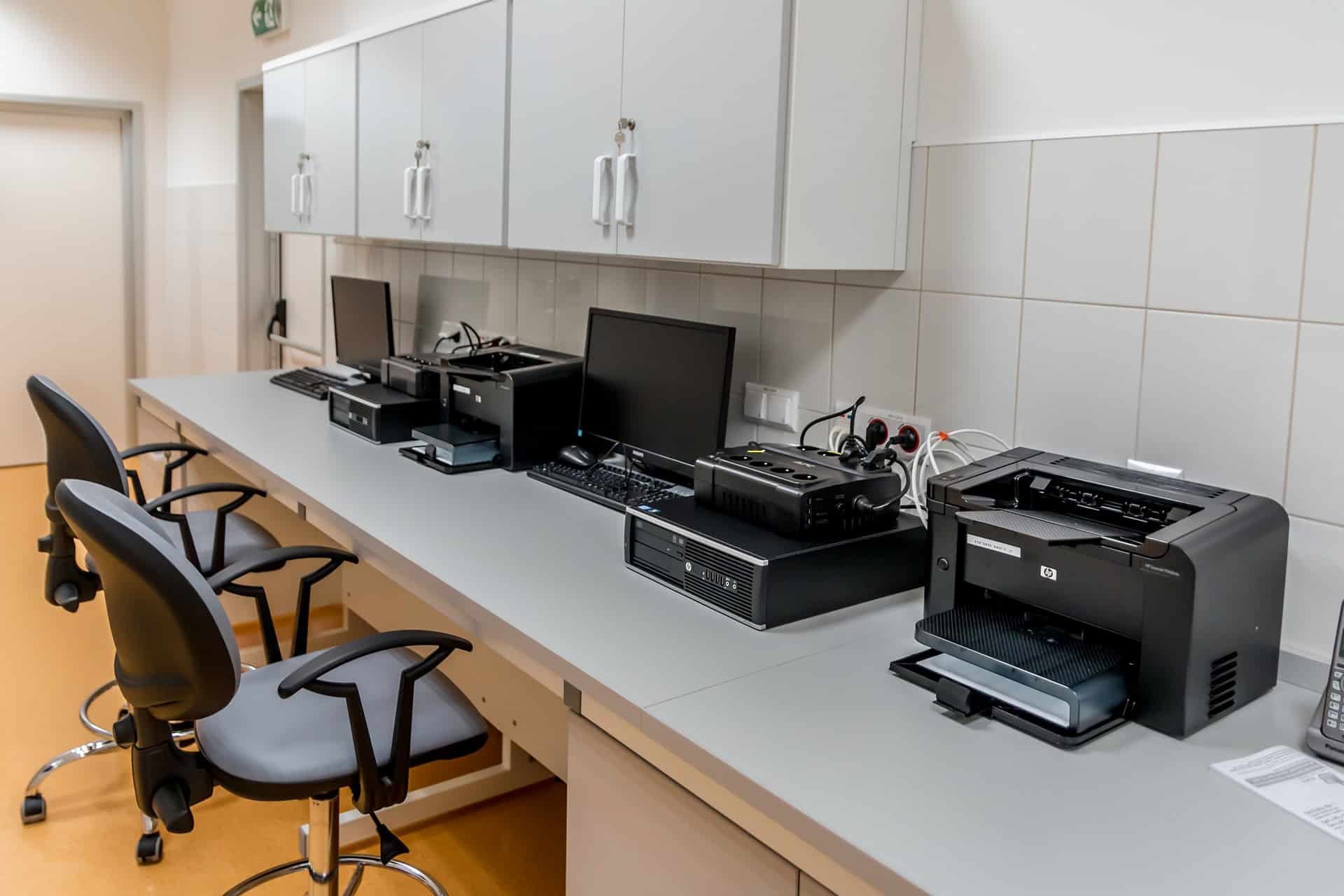
Chromebook conversations often focus entirely on laptops, but many business workloads suit desktop form factors: call centers, administrative stations, reception desks, and production floor terminals. Refurbished desktop systems offer even greater value than laptops at equivalent performance tiers, since desktop RAM configurations carry lower per-unit cost than laptop memory even under shortage conditions.
Dell OptiPlex desktop systems and HP ProDesk configurations provide enterprise-grade reliability at $200-$400 per unit for typical business use configurations. Lenovo ThinkCentre systems deliver similar value for companies standardized on the Lenovo ecosystem. Businesses replacing laptops with desktop workstations for fixed-position employees can dramatically reduce per-seat costs while maintaining complete Windows compatibility.
IT teams managing multi-site deployments often find that a hybrid approach—Chromebooks for mobile workers, refurbished desktop computers for stationary roles—optimizes total cost of ownership without compromising capability where Windows applications are required. IT directors evaluating mixed-device strategies typically prioritize vendors able to source consistent model lots across both form factors—a procurement requirement DCD specifically supports for deployments of 50+ units.

Per Workstation
How Should You Build the FY2027 Hardware Budget Case?
Finance teams approving hardware refresh budgets in 2026 face a unique challenge: justifying either Chromebook deployments to stakeholders accustomed to Windows, or refurbished equipment purchases to boards expecting new hardware. Both require clear financial documentation and risk analysis. Many teams coordinate with enterprise ITAD services to recover value from retiring equipment, partially offsetting procurement costs.
For Chromebook deployments, the total cost of ownership advantage is clear and measurable. According to IDC research, Chromebook TCO runs 20-30% below equivalent Windows deployments in education and task-worker environments—when management, support, and refresh costs are fully included over 3-year ownership periods.
Discount Computer Depot, alongside Google Workspace-certified partners serving K-12 districts, SMBs, and enterprise IT teams, supports this procurement model: DCD handles the acquisition side while Acer, HP, and Lenovo provide the enterprise-grade hardware reliability these deployments require. For cloud-first organizations managing tight FY2027 budgets, the TCO case is financially compelling.
According to TrendForce DRAM supply chain analysis, refurbished laptop pricing remains stable versus new-equipment volatility during shortage cycles—a critical advantage when modeling multi-year hardware budgets in an unpredictable memory market. Buyers can also browse DCD's full certified laptop inventory to evaluate current pricing before finalizing budget models.
Refurbished Equipment: The Budget Stabilization Argument
Refurbished Windows laptop procurement offers finance teams a powerful argument during volatile pricing periods: predictable, fixed-cost equipment that avoids memory market speculation entirely. Unlike new equipment contracts subject to component price escalation clauses, refurbished equipment pricing is based on existing inventory—not future manufacturing costs influenced by ongoing RAM shortage dynamics.
Procurement teams building board presentations should document the cost differential between new equipment at Q2 2026 peak pricing and DCD certified refurbished systems with equivalent RAM configurations. A 200-unit deployment at $700 per unit savings generates $140,000 in budget recovery—funds that can accelerate other technology initiatives or offset operational costs during inflationary periods. Request a quote to build the financial comparison your procurement team needs.
"A 200-unit refurbished laptop deployment at $700 per-unit savings versus new Q2 2026 pricing generates $140,000 in budget recovery—funds that can accelerate other technology initiatives or partially fund the next refresh cycle." Discount Computer Depot — 2026 Hardware Procurement Analysis
Gartner & IDC Forecast Alignment
According to Gartner's Q4 2026 market analysis, RAM pricing relief won't begin until Q4 2027 at earliest, with normalized DRAM supply conditions not expected until 2028. Finance teams building FY2027 hardware budgets should model scenarios assuming sustained high new-equipment pricing through the entire fiscal year, making both Chromebook and quality refurbished procurement strategies more financially attractive than peak-pricing new equipment purchases for the foreseeable planning horizon.

Frequently Asked Questions
Chromebooks vs. refurbished Windows laptops — the questions buyers ask most
Yes, with important caveats. Microsoft 365 runs fully in the Chrome browser, covering Word, Excel, PowerPoint, Teams, and Outlook for most business needs. Android versions of these apps are also available through the Google Play Store on modern Chromebooks. Companies requiring macro-heavy Excel workbooks, complex Access databases, or advanced Publisher features may encounter limitations. For complete Microsoft Office desktop application compatibility, refurbished Windows laptops remain the more reliable choice.
Looking for reliable business laptops at budget pricing? Enterprise-grade Dell, HP, and Lenovo systems are engineered for 3-5 year commercial lifecycles and typically enter the refurbished market with substantial remaining operational life. Every unit sourced through Discount Computer Depot undergoes comprehensive diagnostic testing before sale. DCD certified systems undergo comprehensive hardware diagnostics, component testing, and quality verification before sale. Every system includes professional warranty coverage providing documented recourse for hardware failures—the same assurance businesses require from any hardware investment.
Every Chromebook model has a published AUE date after which Google stops providing Chrome OS security updates. Devices past their AUE date become security liabilities: Chrome OS vulnerabilities discovered after the cutoff go unpatched, creating exposure in enterprise environments. Before purchasing any Chromebook—especially used or older models—verify the AUE date on Google's official support schedule. Most current models launched in 2022 or later have AUE dates extending to 2030 or beyond, making them viable for multi-year deployment.
For standard productivity workflows—Microsoft 365, video conferencing, browser-based applications—16GB remains the sweet spot for Windows business laptops. Chromebooks operate efficiently with 8GB due to Chrome OS's memory management architecture. The critical insight during the current RAM shortage: refurbished Windows business laptops with 16GB already installed cost $350-$500, while a new Windows system with equivalent memory runs $900-$1,200 due to DDR5 pricing premiums. The refurbished path avoids the entire 478% memory markup.
Standard deletion is insufficient for regulated industries. Under HIPAA §164.310(d)(1) requirements, electronic PHI on disposed devices must be rendered irretrievable—standard overwrite does not qualify. Per NIST SP 800-88 Rev. 1 guidelines, compliant media sanitization requires verified purge-level processing or physical destruction.
Companies retiring laptops in healthcare, finance, or legal services require certified data destruction to meet these standards. Working with certified data destruction providers generates compliance documentation confirming secure media sanitization—documentation required for regulatory audits. Chromebooks' cloud-centric architecture simplifies this: data lives in Google Drive, not local storage, reducing retirement complexity significantly.
Yes. Bulk refurbished procurement enables consistent model standardization, simplifying IT support, spare parts inventory, and imaging processes. DCD works with companies deploying 50+ units to source consistent models with verified specifications. Combined with custom imaging services, companies receive systems pre-configured with required software, domain settings, and security policies—ready for immediate deployment without per-unit setup labor. Contact us to discuss volume requirements and pricing.
Explore certified refurbished business laptops and desktop systems—Windows-capable options at Chromebook-comparable pricing, fully unaffected by 2026 RAM market volatility.
Questions about bulk pricing or configuration options? Contact us or call (844) 466-9142. Fast shipping available.
Recent Posts
-
2026 ESG IT Trends: Refurbished Guide | DCD
ESG & Sustainable IT 2026 How Certified Refurbished Hardware Reduces Scope 3 Emissi …4th May 2026 -
Refurbished IT for Sustainability 2026 | DCD
Corporate Sustainability 2026 How Certified Refurbished Computers Support Corporate …2nd May 2026 -
Refurbished Servers for AI Data Centers | DCD
AI Infrastructure 2026 Refurbished Servers for AI Data Center Expansion: Scale Ente …13th Apr 2026